The product portfolio

Choose the workflow.
Know what comes with it.

Find the product for your primary problem, see where the record lives, and identify any handoffs before deciding what to buy.

Choose by responsibility

Which product should own the work?

Aurora already includes investigations, document control, and training records. Choose a specialist product when its dedicated workflow matches a separate requirement.

Safety management, investigations, and manual control
Starting pointPrimary jobWhere the record livesNative scope and product fit
Aurora ↗Safety and quality managersRun reporting, risk, audits, corrective action, and closure in a standalone SMS/QMS.Occurrences, investigations, risk decisions, actions, and controlled documents in Aurora.Includes its own investigation, document-control, and training-record functions. Start here when the main requirement is SMS/QMS.
Trace AI ↗Safety investigatorsBuild a dedicated investigation with evidence, reviewed interviews, and recommendations.Safety cases, investigations, evidence, and interview records in Trace.Choose for a focused investigation workflow. Aurora is not required; agree the case handoff if retaining another SMS.
FOLIO ↗Manual owners and document controllersCarry structured manual content from import and draft through approval, release, and acknowledgment.Manual content, revision packages, releases, and reader acknowledgments in FOLIO.Choose for a dedicated manual lifecycle. If Aurora is also under evaluation, compare its native document workflow with your requirements.

Evaluate Aurora when consolidating SMS/QMS work, Trace when replacing a separate investigation process, and FOLIO when replacing a manual-control process. If you retain an existing system, identify the authoritative record and agree the migration or handoff.

Connections and ownership

Know what connects today.

An interface, a deployment-specific handoff, and a future workflow have different implications for your implementation.

Cross-product connection status
ConnectionStatusWhat this means
Customer Care ↔ XENIAImplemented interface · activation requiredA signed bridge provides staff handoff chat and concierge administration. The services and their knowledge stores remain separate. Local integration tests do not establish production activation.
Trace AI → DELPHIImplemented interfaceDELPHI supplies configured document retrieval to Trace. Trace retains the investigation record; endpoint access and source permissions must be configured.
DELPHI → flight operations dataImplemented interfaceDELPHI can query configured operational data through structured tools. Confirm the accessible dataset and permissions for the deployment.
Aurora ↔ Trace AI / FOLIOImplementation scopeDefine case or document ownership, identifiers, permissions, and the transfer method.
PHAROS → MENTHORNot implementedThe event-to-training bridge is a future workflow. PHAROS remains in development.

Choose each product for its native workflow. Additional products and integration services are scoped separately; the agreed proposal identifies what is included.

See the safety-to-training workflow and its boundaries ↗
The FlightAtom portfolio

Start with the work you want to improve.

Choose the product that fits your team. Each has its own purpose, workflows, and product walkthrough.

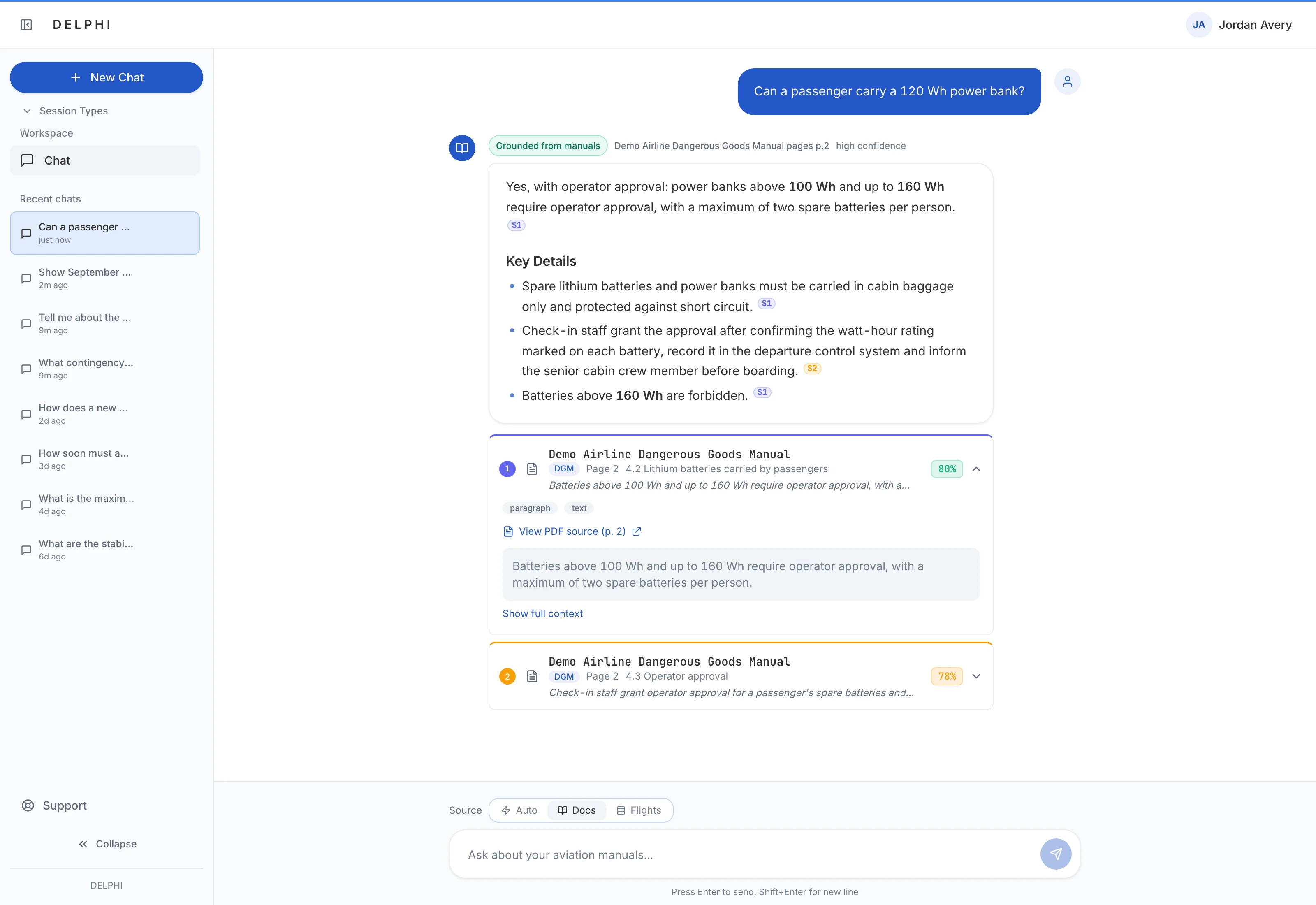
DELPHI cited answer interface using an illustrative manual change question
Aviation knowledge AI

DELPHI

Cited answers, focused learning, training drafts, and operational intelligence.

Explore DELPHI ↗
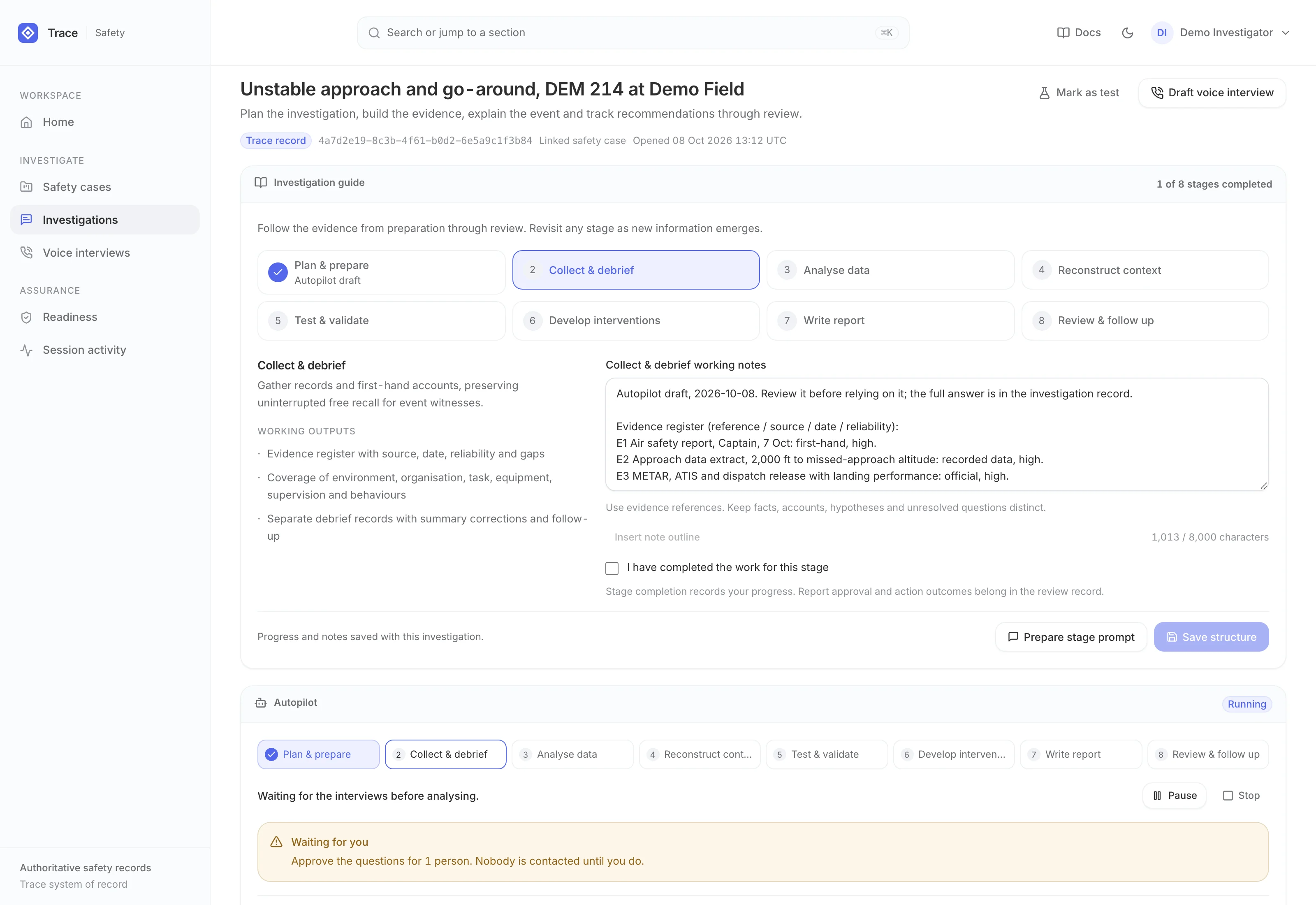
TRACE current interface with synthetic demonstration data
Safety cases and investigations

Trace AI

Move from safety case to structured investigation, reviewed interview and evidence-linked recommendations in a standalone system of record.

Explore Trace AI ↗
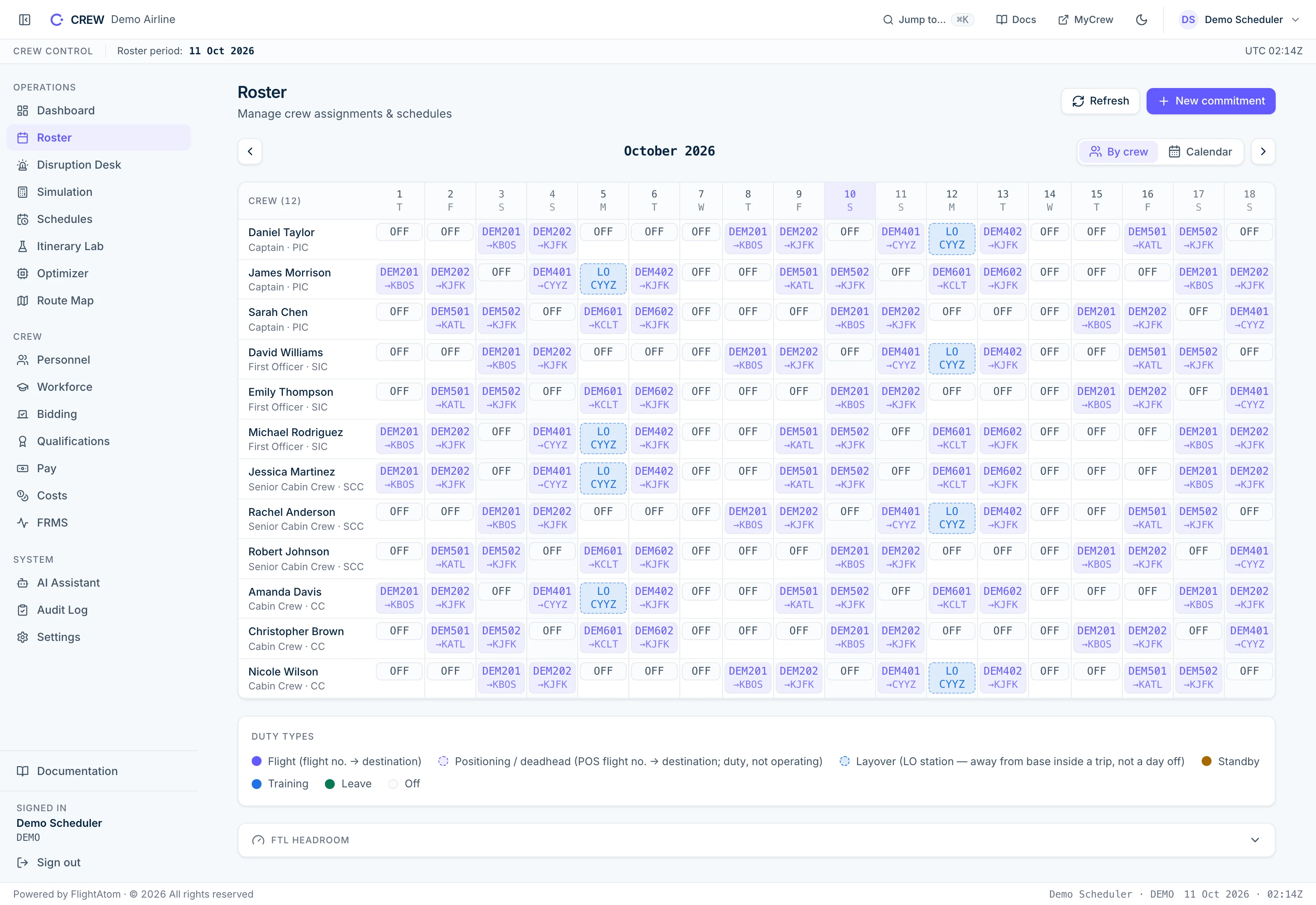
CREW AI roster calendar showing synthetic crew duties and commitments
Crew planning & recovery

CREW AI

Crew planning, roster optimization and disruption recovery with controlled AI assistance.

Explore CREW AI ↗
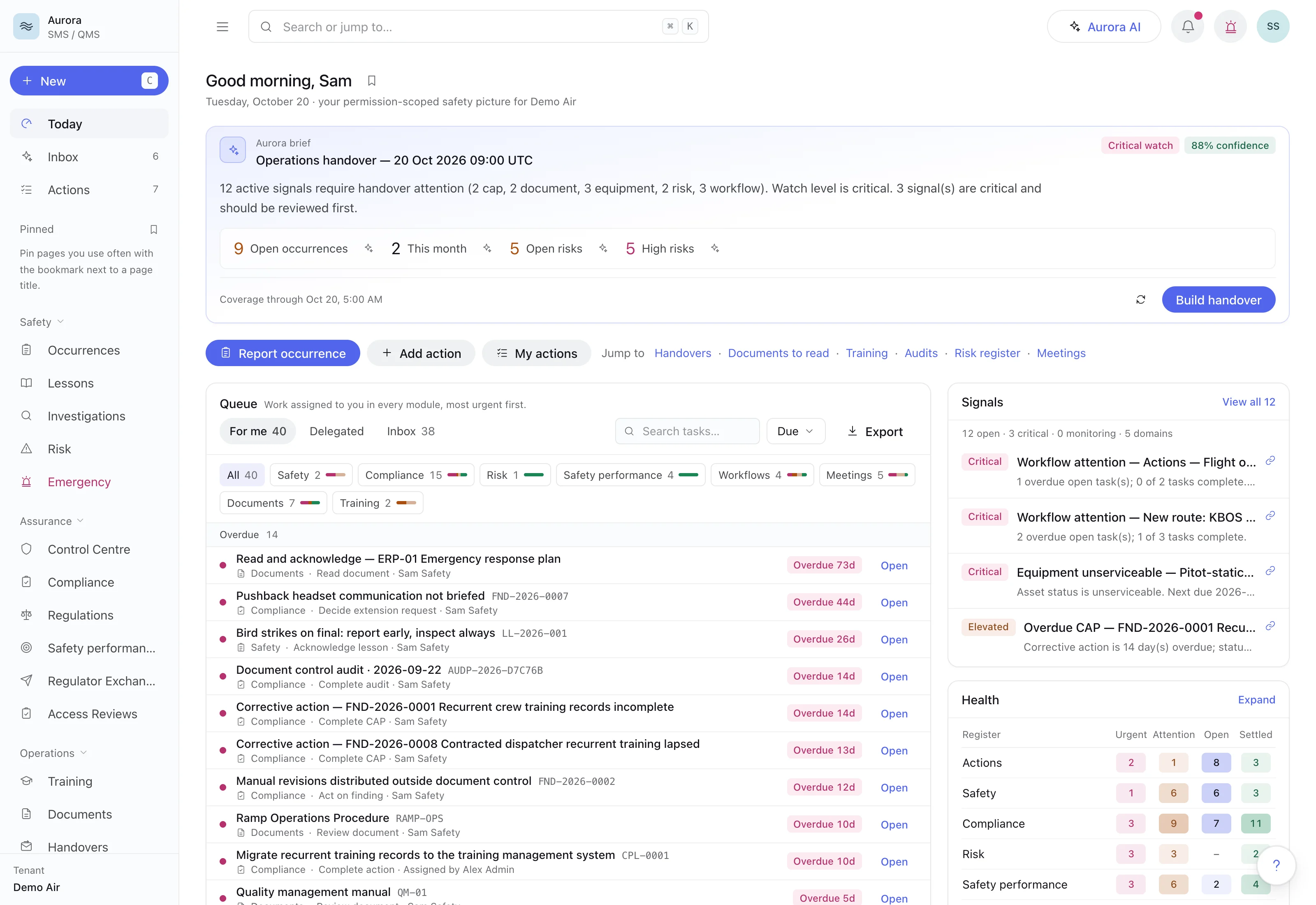
Aurora Control Centre showing safety lifecycle, assurance and risk governance using demonstration records
Standalone SMS / QMS

Aurora

A standalone SMS/QMS for reporting, risk, assurance and accountable closure.

Explore Aurora ↗
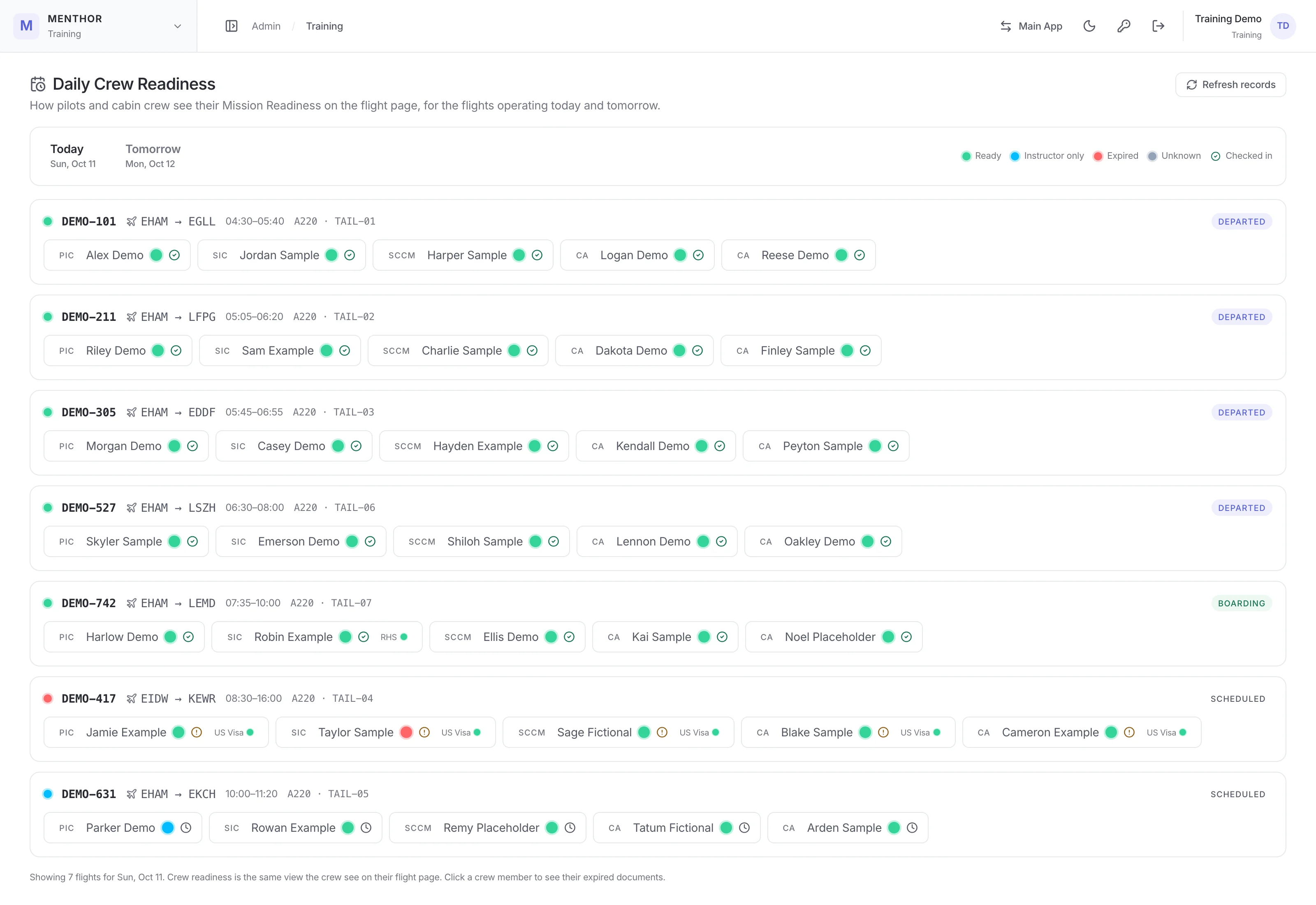
MENTHOR Mission Readiness currency wallet with synthetic pilot qualifications and training dates
Pilot development & training

MENTHOR

A pilot development workspace for currency, assessments, line training and targeted learning.

Explore MENTHOR ↗
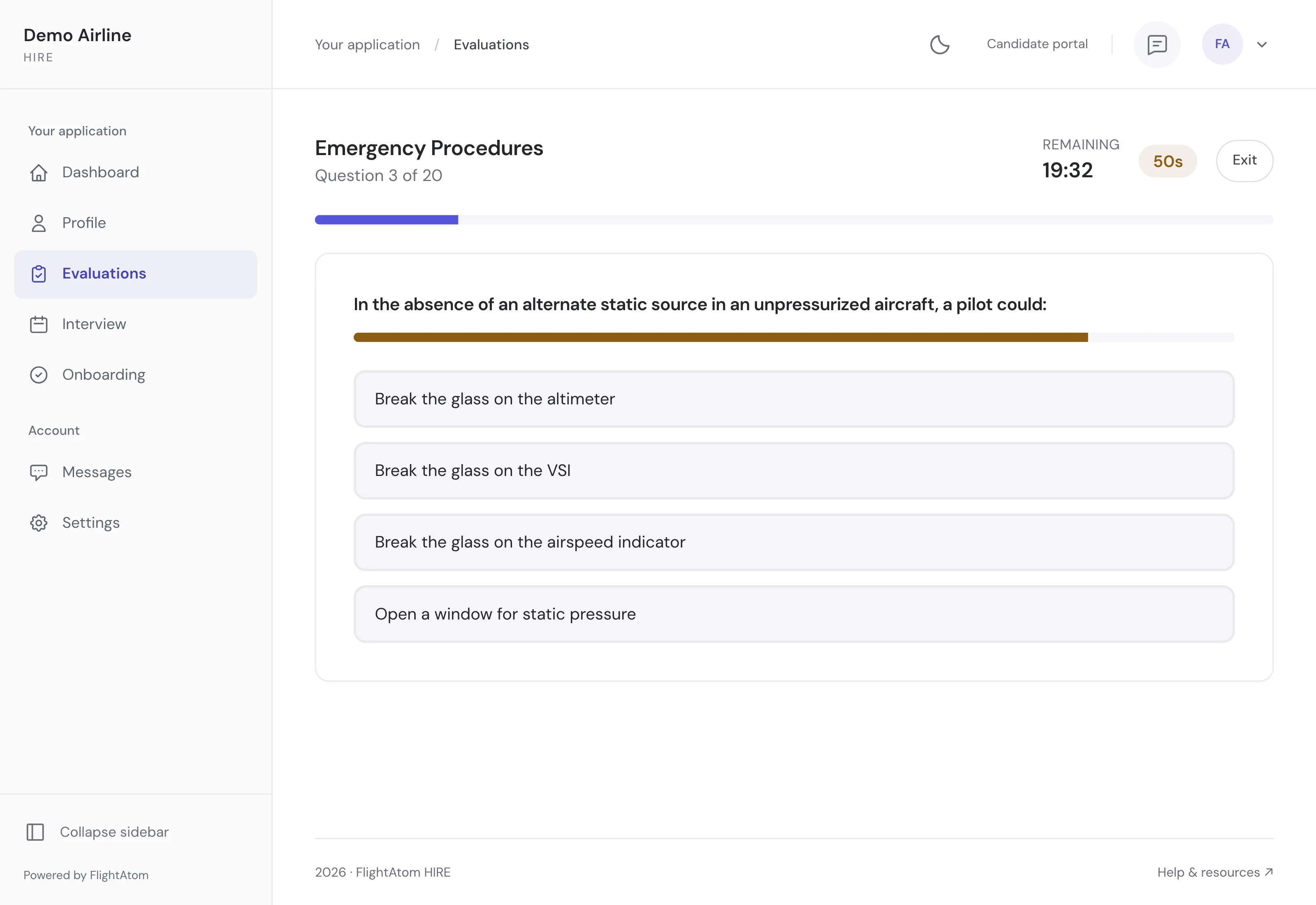
HIRE current interface with synthetic demonstration data
Pilot recruitment and assessment

HIRE

Bring pilot qualifications, assessment progress, interview schedules and candidate communication into one recruitment workspace.

Explore HIRE ↗
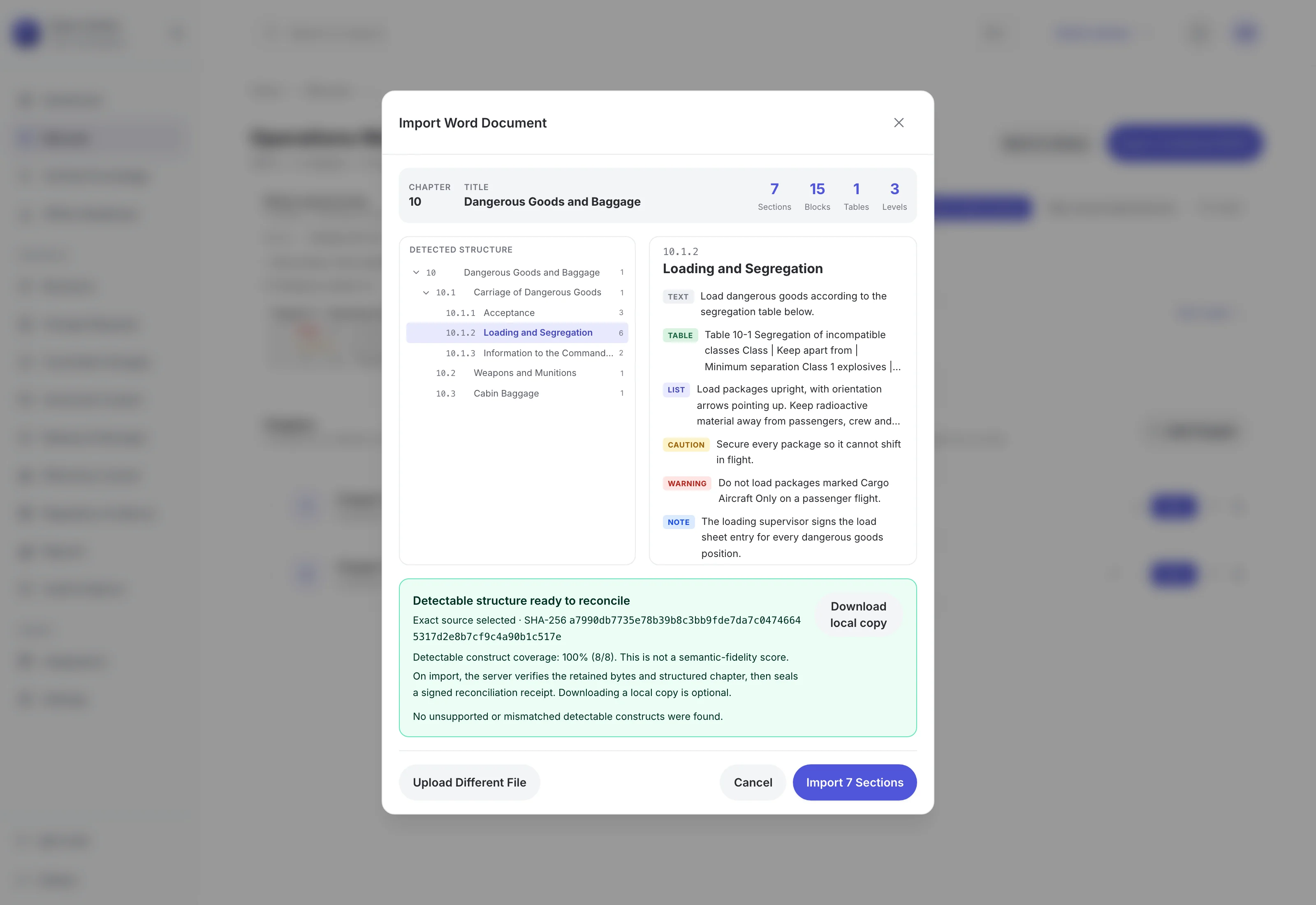
FOLIO Compliance Command Center showing sample manual coverage and change requests
Controlled manuals

FOLIO

Controlled authoring, AI-assisted review, approvals, and release evidence.

Explore FOLIO ↗
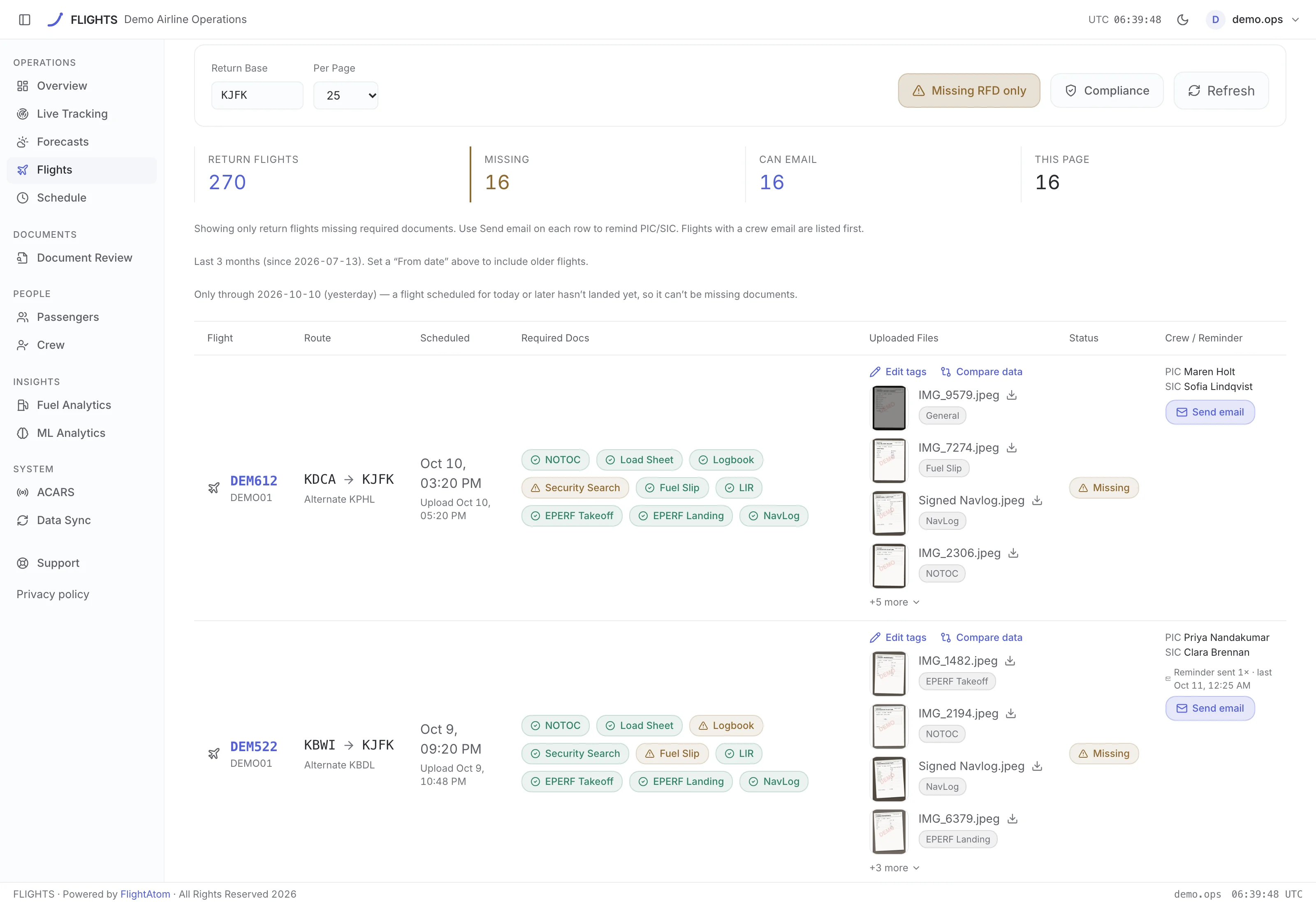
FLIGHTS operations dashboard with synthetic flight performance data
Flight operations intelligence

FLIGHT AI

Flight records, fuel intelligence, document extraction, and operational forecasts.

Explore FLIGHT AI ↗
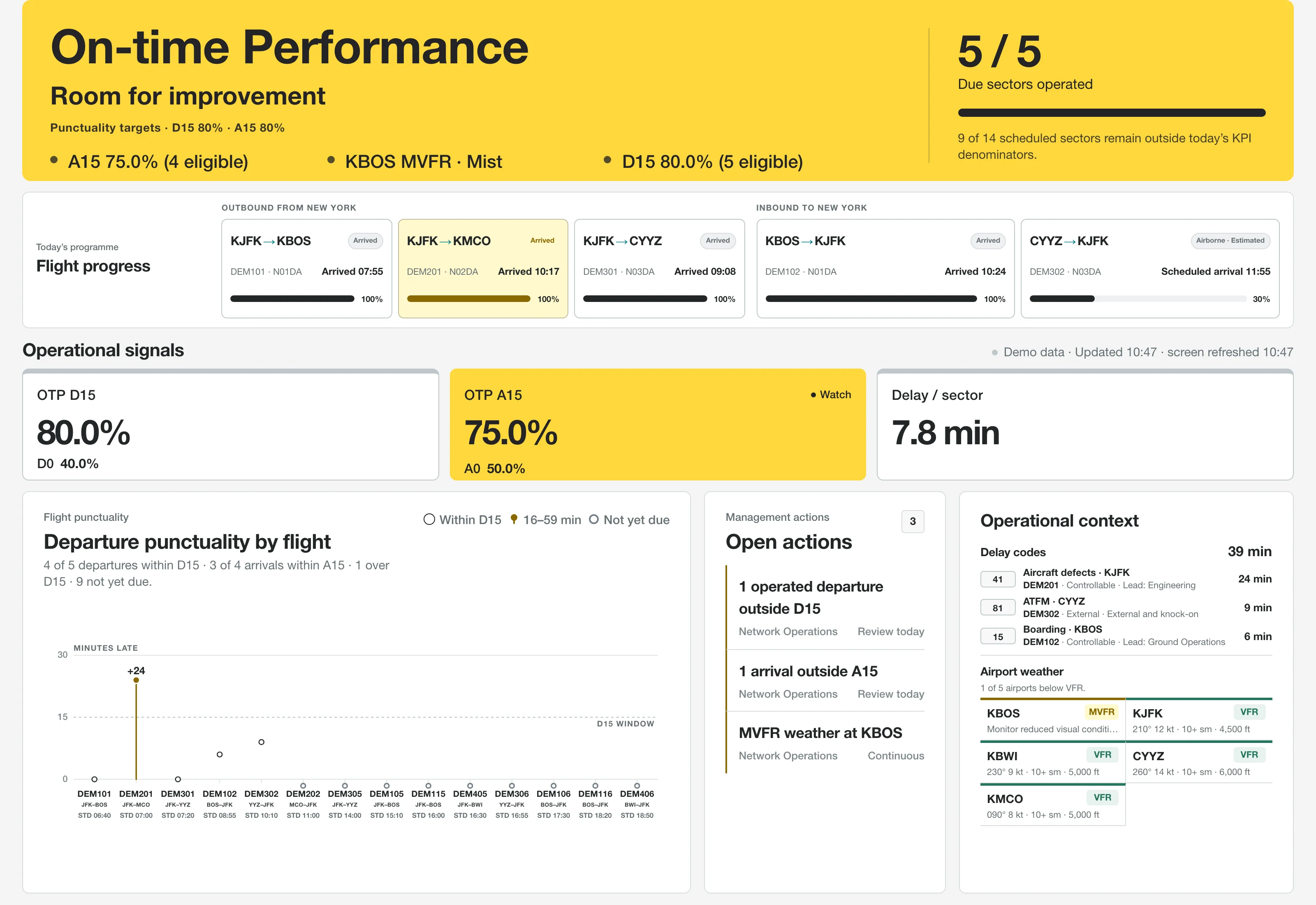
PINAX current interface with synthetic demonstration data
Daily operations and performance

PINAX

Put the operating day, flight progress, punctuality and delay causes in one view, then move into historical analysis and management briefs.

Explore PINAX ↗
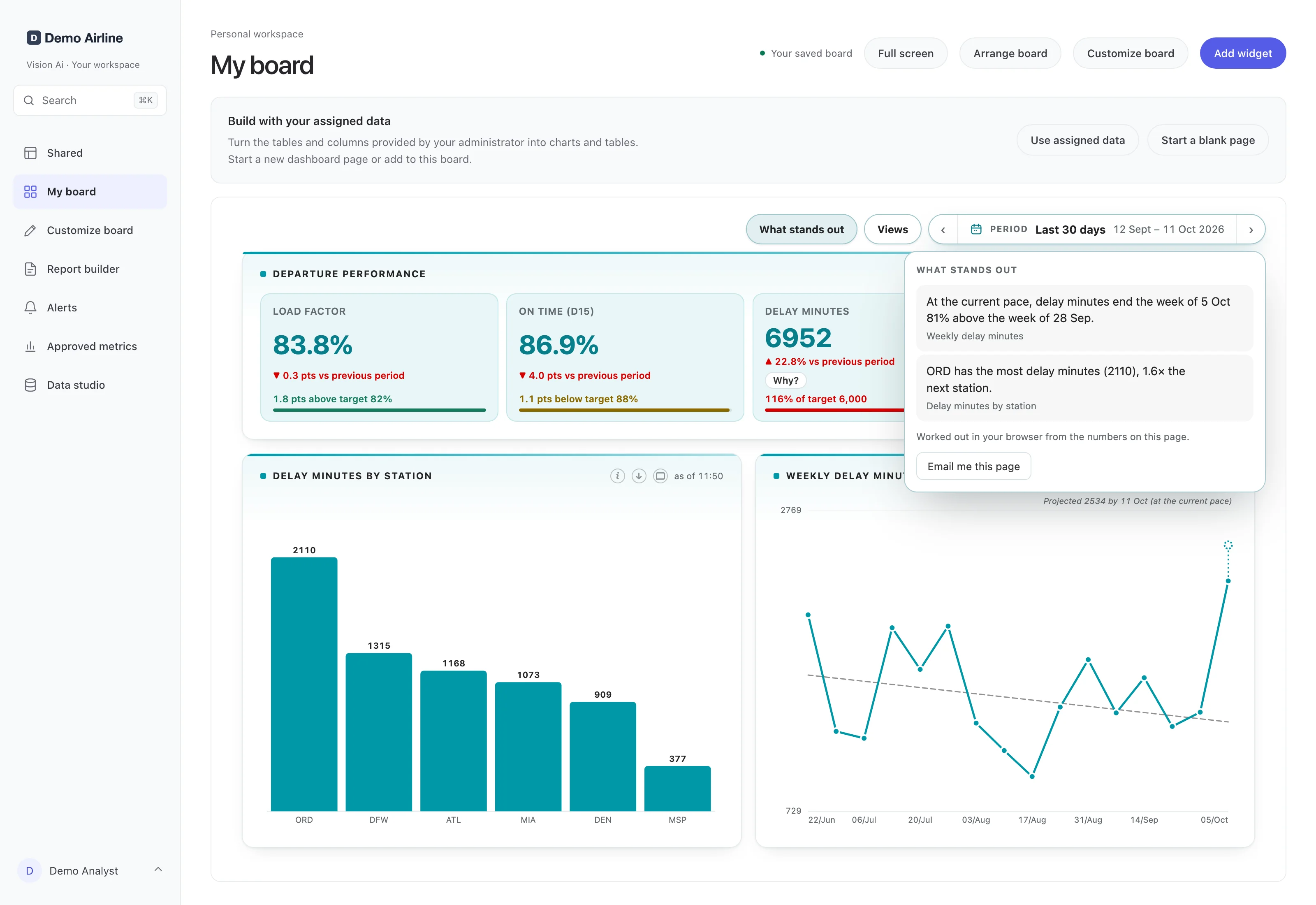
Vision Ai personal dashboard showing charts and metrics from synthetic demonstration data
AI dashboards and reporting

Vision Ai

Build and refine dashboards with AI, publish reviewed versions, and reuse widgets in PDF reports.

Explore Vision Ai ↗
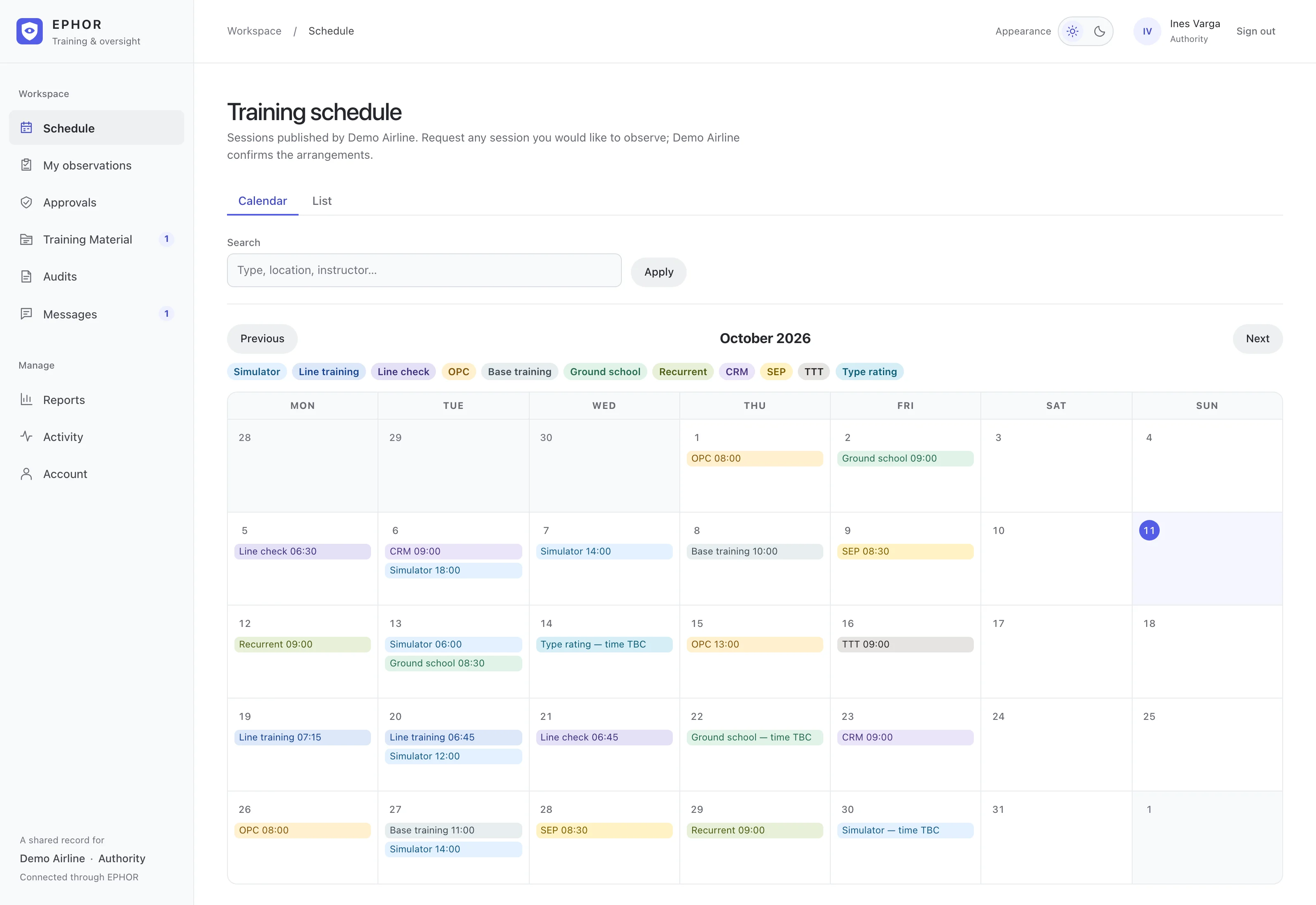
EPHOR current interface with synthetic demonstration data
Training oversight and approvals

EPHOR

Publish the training programme, coordinate inspector attendance and preserve the exact document revision behind each approval.

Explore EPHOR ↗
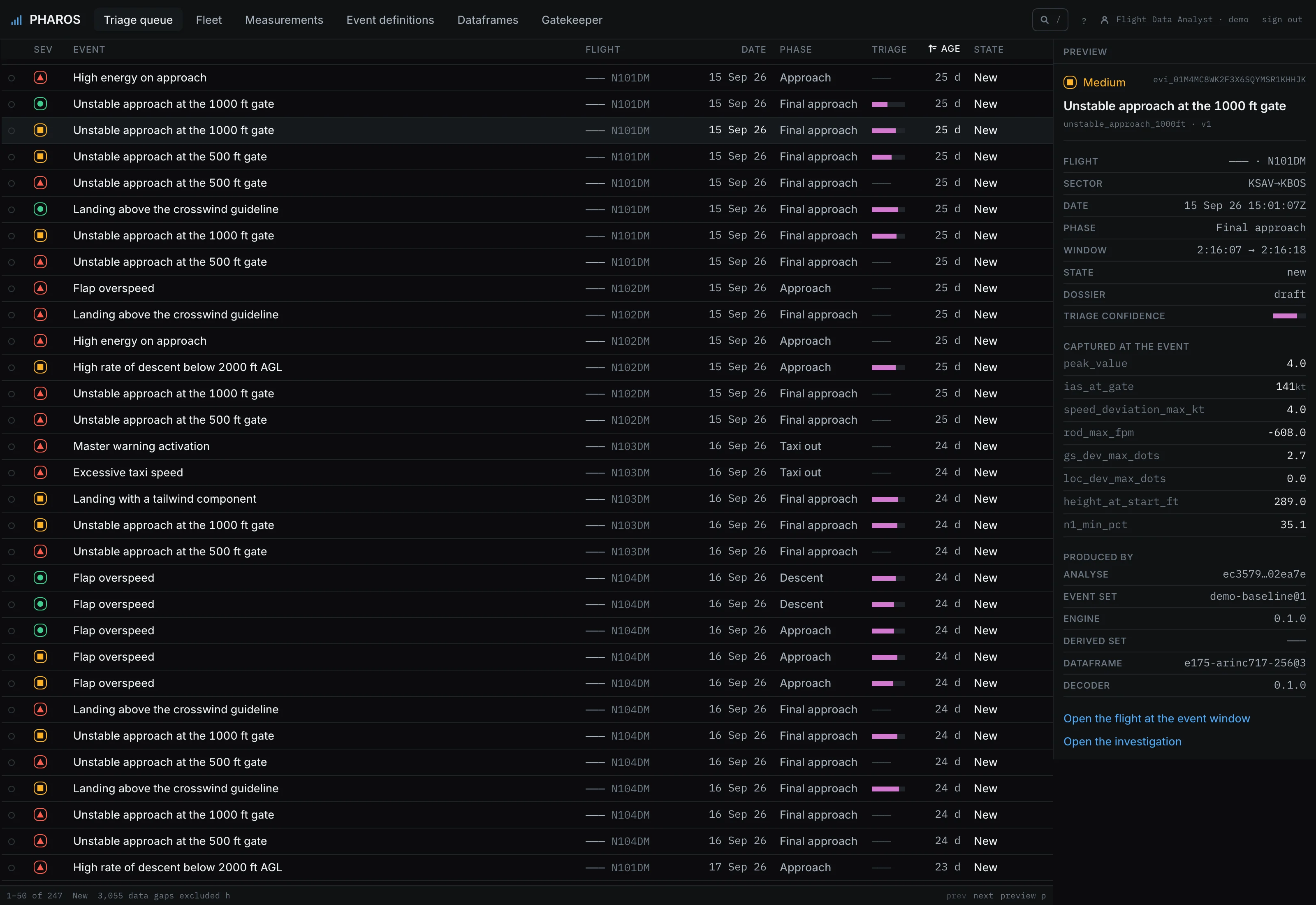
PHAROS event summary: unstable approach, review status, captured airspeed and descent rate from a synthetic flight
Flight data monitoring

PHAROS

Flight-data monitoring and investigation assistance, in development with traceable evidence and crew privacy controls.

Explore PHAROS ↗In development
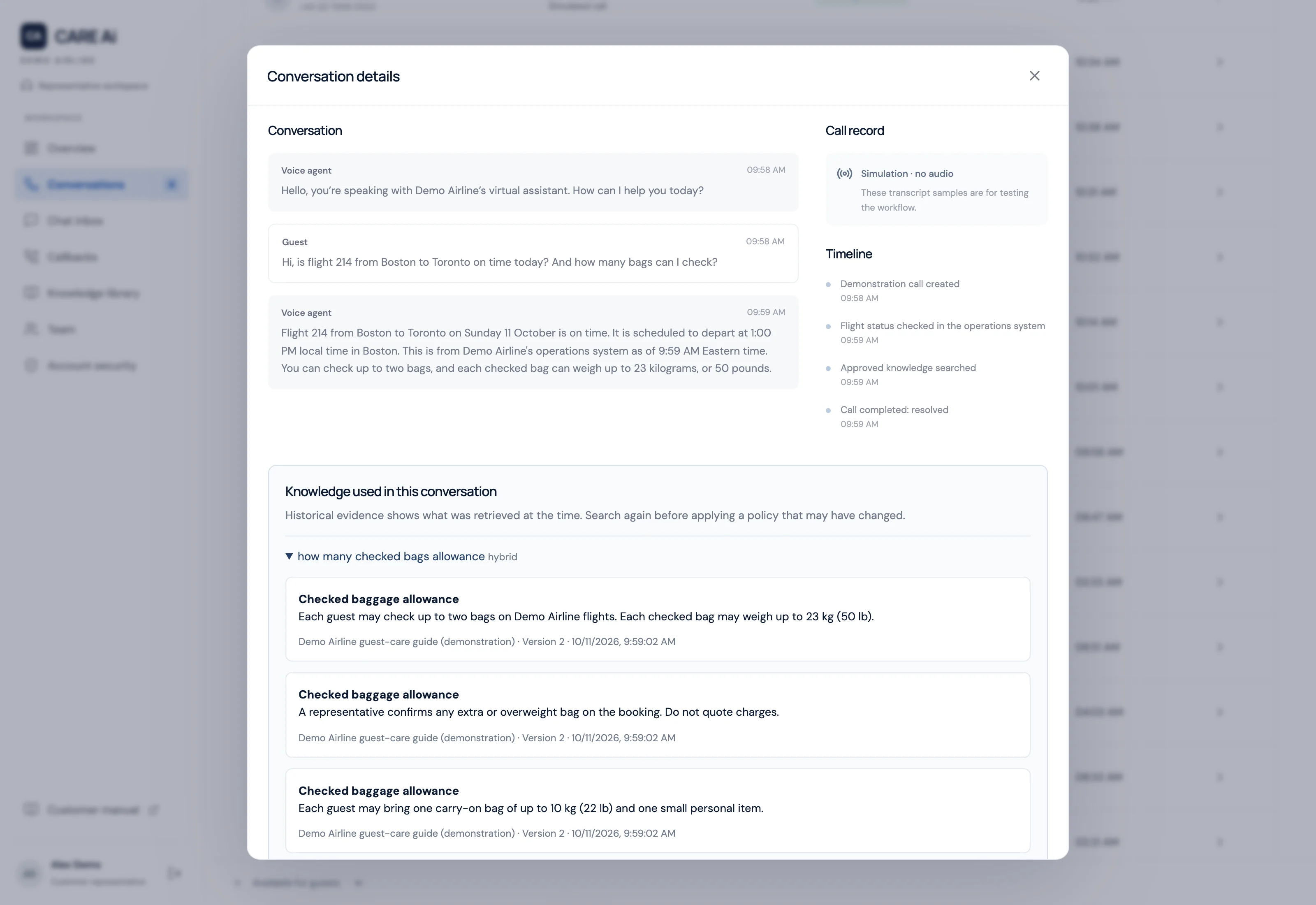
Customer Care knowledge library showing published guidance, drafts, review controls, and demonstration data
Airline customer service

Customer Care

AI voice assistance, approved knowledge, human handoff, and callback follow-up.

Explore Customer Care ↗Operator activation
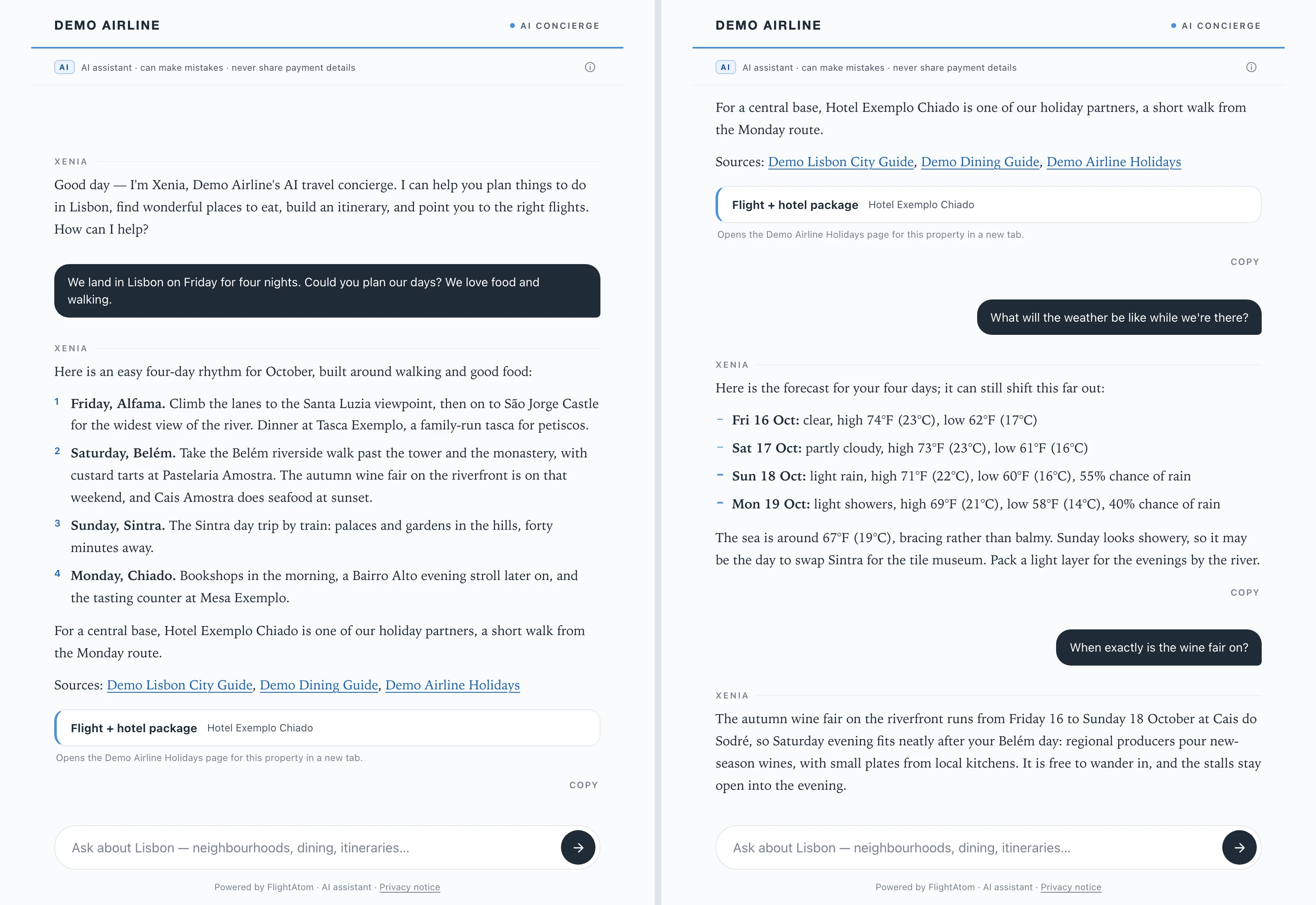
XENIA travel-planning chat interface with an illustrative city-break conversation
AI travel concierge

XENIA

A customer-facing AI concierge for travel planning, booking handoffs, and human support.

Explore XENIA ↗Preview
Applied AI

Useful intelligence.
Visible evidence.

AI earns its place by helping someone do a specific job: find the source, examine the evidence, or prepare the next decision.

Knowledge

Find the answer. Open the source.

DELPHI brings cited document search, learning, and content preparation into the same knowledge workspace.

Explore DELPHI ↗
Investigation

Build a clearer account of what happened.

Trace brings case evidence, AI analysis, and guided interviews into a record investigators can review.

Explore Trace AI ↗
Operations

Turn documents into reviewable information.

FLIGHT AI assists with document extraction and operational analysis, alongside flight, fuel, and ACARS records.

Explore FLIGHT AI ↗
Dashboards

Describe the view. Refine the draft.

Vision Ai creates and refines charts, tables, and interactive components from assigned data, with visible controls and explicit publication.

Explore Vision Ai ↗

People remain responsible for the decision.

AI assistance and availability are specific to each product. Source coverage, configured services, data quality, and review controls shape the result. Product pages explain the workflow and its operational limits.

See FlightAtom in action

Start with your workflow.

A focused walkthrough, with the people and decisions that matter to your team.

Request a demo